
LinkedIn sourcing tool — from search to shortlist in 5 steps
SourceLens automatically analyzes every employer in a candidate profile — so you decide in seconds whether someone fits. No new tools to learn. No workflow changes. The free Chrome extension works where you already are.
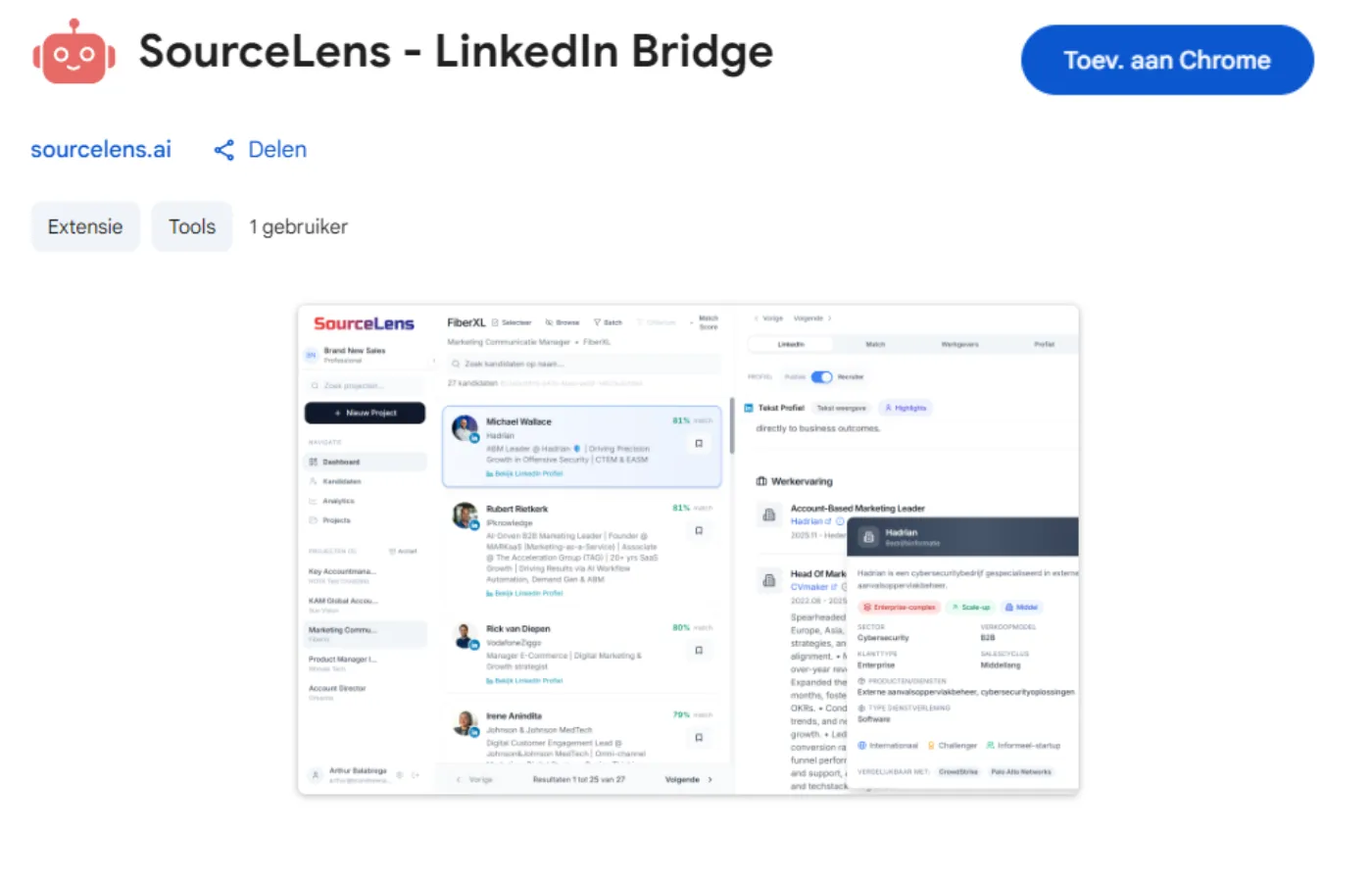
Install the Chrome extension
Open the Chrome Web Store. Search "SourceLens". Click "Add to Chrome". Done.
The extension appears automatically as a panel when you run a search in LinkedIn.
SAFE MODE
We only extract profile URLs. No scraping, no automation. LinkedIn detects nothing. Safe for your account.
Run your search in LinkedIn
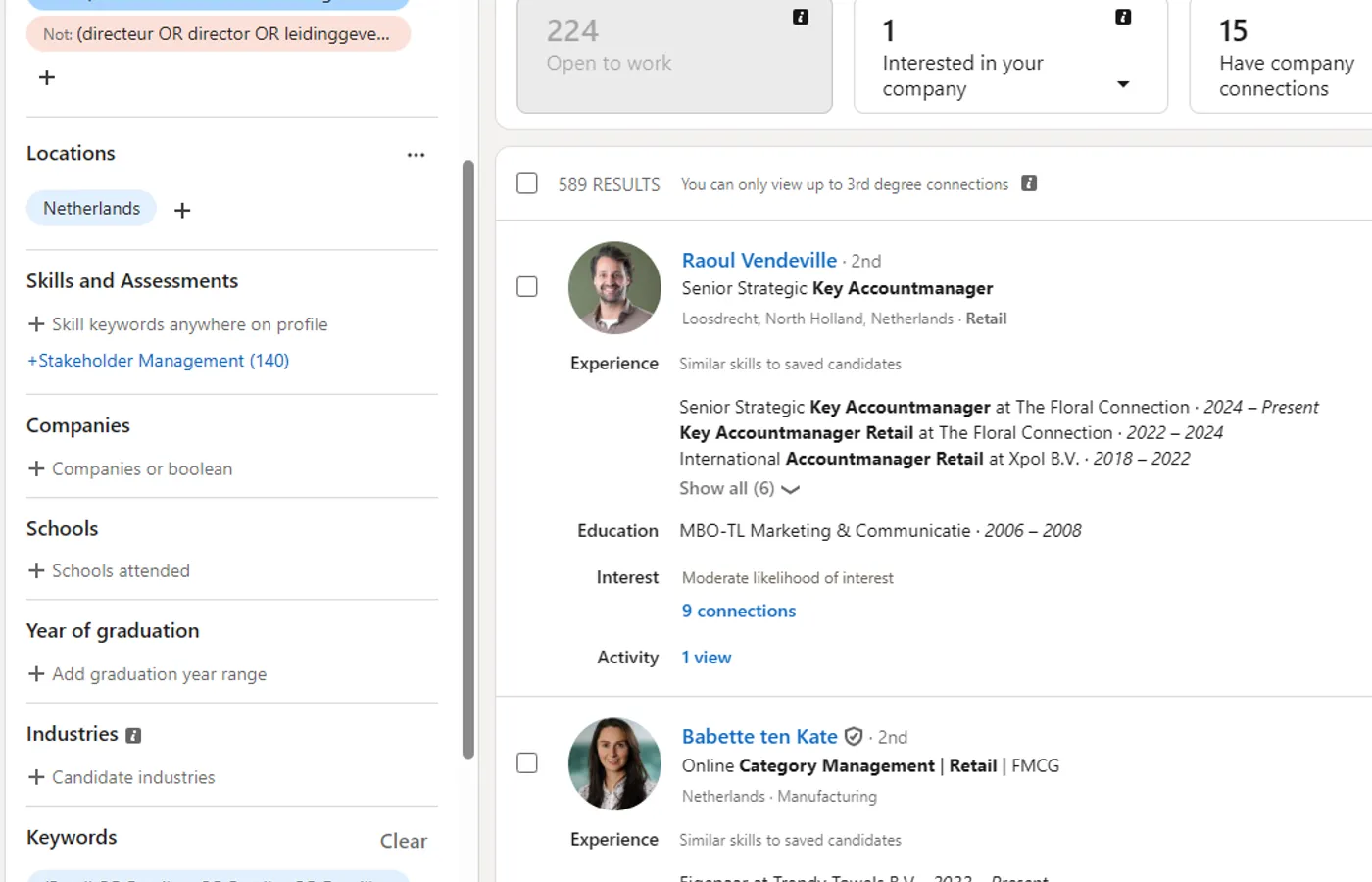
Open LinkedIn. Search as you normally would. Boolean, filters, keywords.
The search doesn't need to be perfect. SourceLens analyzes every employer independently — even if a candidate has no description on their profile. So you find candidates you'd otherwise miss.
The SourceLens panel appears automatically on the right side of your screen.
Export with one click
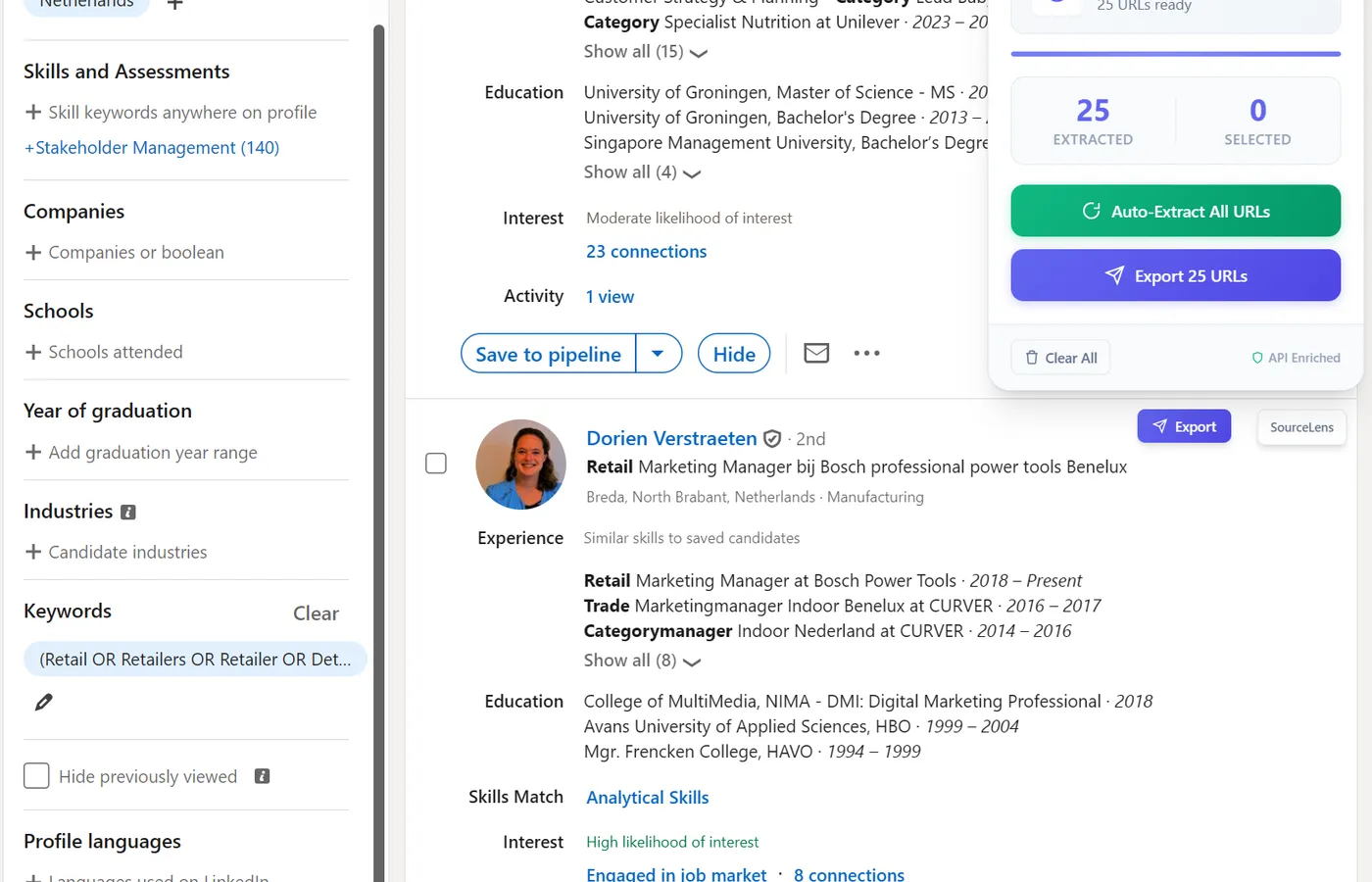
Click "Export" in the SourceLens panel. The extension collects profile URLs and sends them to your workspace.
Manual Export
Click "Export" per profile you find interesting. For targeted searches with few profiles.
Bulk Export
Auto-scroll through the list. Export up to 100 profiles at once. For broad searches where you want context filtering.
The difference? From 30 minutes of manual work to 30 seconds.
SAFE MODE
URLs only. No profile scraping. No LinkedIn ban risk.
Company Analysis
Every employer fully analyzed: industry, organization type, customer segment, sales model, deal complexity, growth phase. LinkedIn shows "Account Manager at DataPulse BV." SourceLens already knows: B2B SaaS, enterprise clients, consultative sales.
Career Patterns
Pivot detection, growth paths, lateral moves, consistency in organization types.
Criteria Matching
Matches each profile against your criteria. Weighted score (0-100) with reasoning. Best matches on top.
Candidate Profile + InMails
AI-generated summary + 3 personalized InMail templates per candidate.
SourceLens analyzes automatically
The AI analyzes the last 8 employers of each candidate — independent of what's on the LinkedIn profile. Four parallel analyses run simultaneously:
Important: candidates with a bare LinkedIn profile — just a title and employer, no description — are poorly ranked by LinkedIn Recruiter. SourceLens analyzes employers independently and does find these candidates. So you get candidates on your shortlist that other recruiters miss.
You get a notification when the analysis is complete
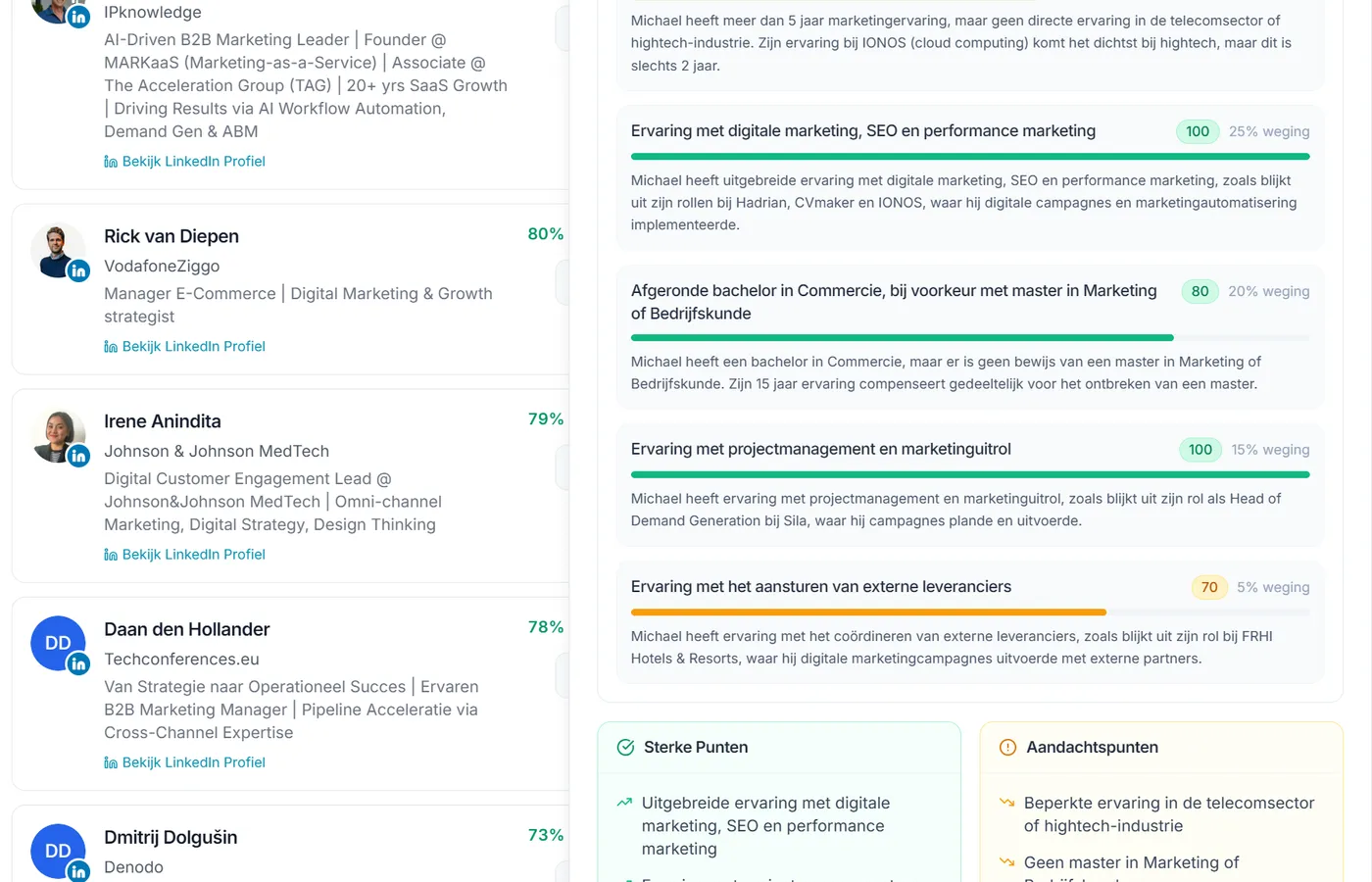
Review your shortlist with match scores
Every candidate has full employer analysis. The list is sorted by match score — on your criteria, not LinkedIn’s algorithm. Filter by location, experience, or specific criteria.
- Overall match score (0-100)
- Scores per criterion
- Employer analysis per employer
- Career Intelligence (visual timeline)
- Sales Profile (AI summary)
- 3 personalized InMail templates
Browse Mode
Click a candidate. LinkedIn popup opens automatically. Navigate with Previous/Next — the popup follows along. SourceLens analysis and LinkedIn profile side by side.
Ready for outreach.
The difference in time
- 800 profiles in LinkedIn
- 3+ hours scrolling and googling
- Unknown employers you skip or google manually
- Candidates with bare profiles disappear in the crowd
- 80 relevant candidates, filtered on your criteria
- From search to shortlist in 30 minutes
- Match score (0-100) per candidate with reasoning
- Candidates at unknown employers — ones you normally miss — on top if they fit
From hours to minutes. And you find candidates that other recruiters miss.
SourceLens fits your role:
Ready to find candidates you’re currently missing?
No credit card·Chrome extension instantly available·SAFE MODE