
From 500 profiles to 50 candidates: The LinkedIn filtering strategy that works

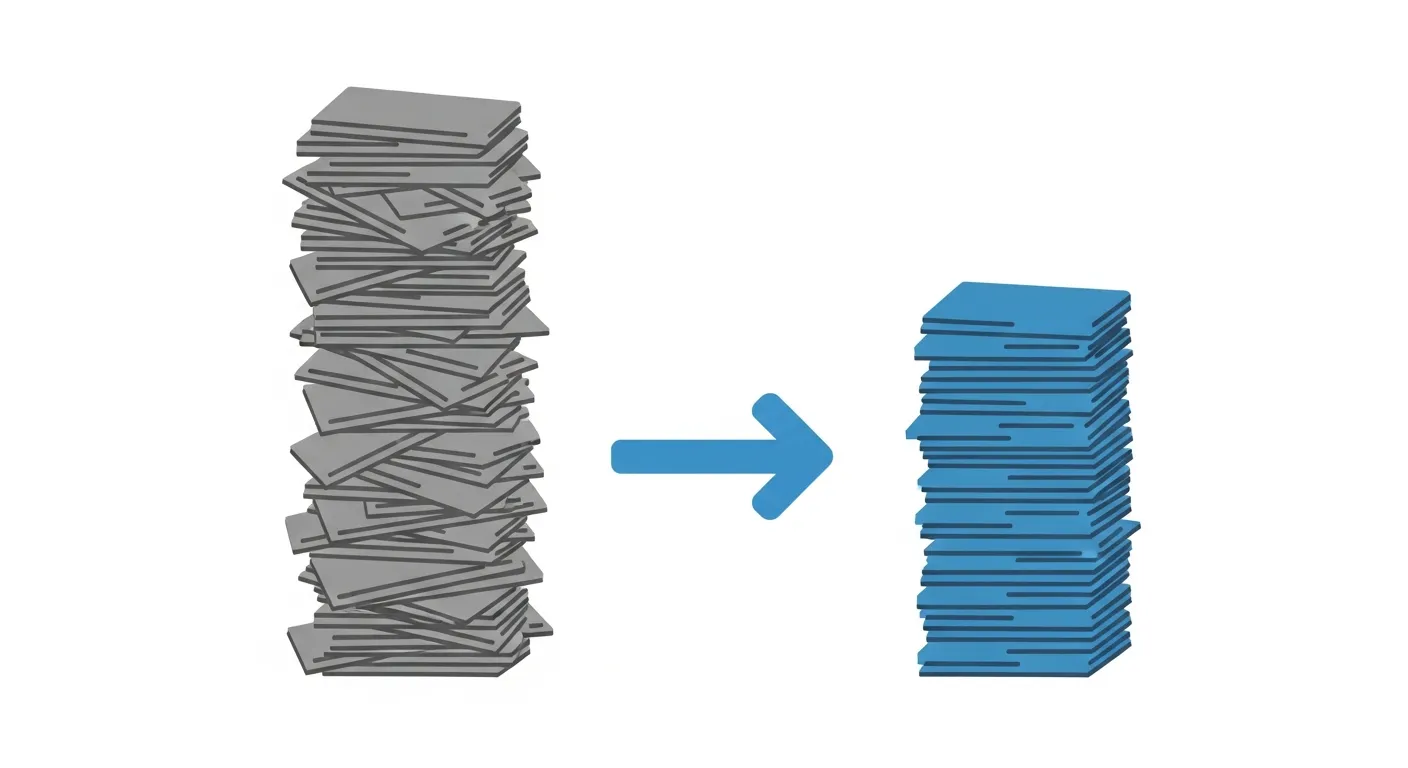
Your LinkedIn search returns 520 profiles.
Realistic time to screen them all: 6+ hours. Time you have: 1 hour.
The difference between good recruiters and excellent recruiters? Filtering.
Not just the filters LinkedIn offers — everyone uses those. But the way you filter on employer context. The difference between fumbling around and knowing.
This blog shows how you go from 500 profiles to 50 real candidates. In 1 hour, not 6.
The problem: LinkedIn filters aren’t enough
LinkedIn gives you solid filters:
- Job Title
- Years of Experience
- Location
- Company Size
- Industry
And yet. You get 500 profiles back and you don’t know where to start.
Why not? Because the most important filter is missing: employer relevance.
A job title means nothing without context. “Senior Financial Controller” at a publicly traded multinational is something completely different than at an SME with 40 employees.
LinkedIn filters on what’s in the profile. Not on what it means.
The 3-layer filtering strategy
Layer 1: LinkedIn native filters (10 minutes)
This is your foundation. You use the filters LinkedIn provides to bring down the volume.
What you do:
- Boolean search for job title variations
- Set location radius
- Years of experience (minimum/maximum)
- Optionally: company size, industry
Example:
“Financial Controller” OR “Finance Manager” OR “Senior Controller” Location: Netherlands, Randstad Experience: 5-12 years
Result: From 2,000 to 500 profiles.
This is something everyone can do. Everyone does it.
Layer 2: Visual scanning (30 minutes)
Now the real work begins. You scroll through the first 100-150 profiles and scan visually.
What you look for:
- Red flags: too many job hops (less than 12 months), seniority mismatch, irrelevant sectors
- Green flags: known employers in your sector, logical career progression, correct job title trajectory
The problem: This works for seniors. Juniors don’t know the employers. They see 8 unknown company names and have to guess.
Result: From 500 to 150 profiles.
Layer 3: Context-based filtering (20 minutes)
This is where filtering becomes truly effective. You evaluate candidates on employer context.
What you check per profile:
- Organization type: startup, scale-up, SME, corporate?
- Reporting complexity: IFRS, consolidation, multi-entity?
- Sector: manufacturing, SaaS, services, retail?
- Organization size: 50 FTE or 5,000 FTE?
- International or local?
Manually: You google each employer. Per profile that takes 3-5 minutes. With 150 profiles that’s 7.5-12.5 hours. Not feasible.
With SourceLens: You import the 150 profiles. The AI automatically analyzes the last 8 employers per candidate across 18 dimensions. You get a matching score per candidate based on your weighted criteria. From 150 to 50 relevant candidates in 20 minutes.
Result: From 150 to 50 real candidates.
Why employer context makes the difference
Example. You’re looking for a Financial Controller for a mid-market SaaS company. IFRS knowledge, consolidation experience, international reporting.
LinkedIn gives you two candidates:
Candidate A: Financial Controller at Visma Software Candidate B: Financial Controller at Van Dam Bakery
Both have the same title. Both 7 years of experience. Location checks out. LinkedIn’s filter sees no difference.
But:
Visma Software is an international SaaS organization, multi-entity, IFRS reporting, consolidation across 12 countries, complex revenue recognition.
Van Dam Bakery is a local SME, single-entity accounting, Dutch GAAP, 1 entity, straightforward reporting.
Candidate A fits. Candidate B doesn’t.
Without employer context you can’t see that difference. With employer context you see it in 10 seconds.
The difference between junior and senior filtering
Junior recruiter (0-2 years): Knows maybe 15-20 employers in their sector. For the rest: guessing. Evaluates mainly on job title and years of experience. Shortlist has 40-50% mismatches.
Senior recruiter (5+ years): Knows 150-200 employers. Recognizes patterns. Immediately sees whether an employer fits. Shortlist has 10-15% mismatches.
The difference? Context.
Seniors have that context in their heads. Juniors have to build it up — and that takes years. SourceLens gives juniors the same context as seniors. From day 1.
The workflow: Tools + timeline
Layer 1 (10 min): LinkedIn Recruiter or LinkedIn Basic. Boolean search, apply native filters, from 2,000 to 500 profiles.
Layer 2 (30 min): Your own eyes. Visual scanning, recognizing red/green flags, from 500 to 150 profiles.
Layer 3 (20 min): SourceLens. Employer enrichment across 18 dimensions, matching on weighted criteria, from 150 to 50 relevant candidates.
Total: 1 hour. Not 6.
Practical: How do you start?
- Build your Boolean search (see examples here)
- Use LinkedIn native filters — bring down the volume
- Scan visually — first rough filter based on experience
- Add employer context — automatically via SourceLens
You’re probably already doing layers 1 and 2. Layer 3 is where the time savings are.
SourceLens analyzes employers automatically. You define your criteria (with weights). The AI matches candidates and gives a score. You only look at the top 50.
Try it free for 14 days — see how it works or check the pricing.
Arthur Balabrega has 20 years of experience in recruitment and sourcing. SourceLens was built out of frustration with the lack of employer context in LinkedIn.